Node.js Real-time Apps: WebSockets, Socket.IO, Notifications
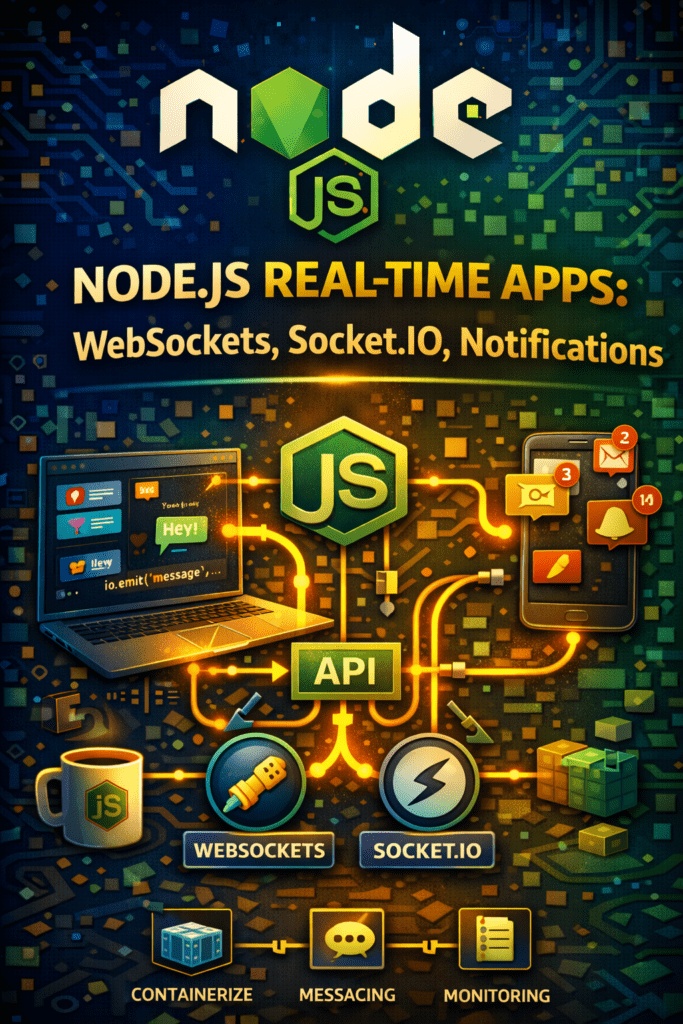
Node.js Real-time Applications: WebSockets in Node.js, Chat app with Socket.io, Real-time notifications
Node.js real-time applications are changing the way we interact with the web. From live dashboards to collaborative tools, the ability to deliver instant updates enhances user engagement. This blog will explore how to build powerful, interactive experiences using WebSockets, the popular Socket.IO library, and other techniques for pushing data in real-time with Node.js.
Understanding the Power of Real-Time
Real-time communication offers instantaneous data transfer, eliminating the need for constant page refreshes. Think of live sports scores, stock tickers, or even just a simple chat application. These experiences are now expected by users, and Node.js provides the tools to create them efficiently. Indeed, it is a very powerful technology.
Why Choose Node.js for Real-Time?
Node.js is an excellent choice due to its non-blocking, event-driven architecture. This allows it to handle a large number of concurrent connections with minimal overhead. Moreover, JavaScript’s ubiquitous presence on both the front-end and back-end simplifies development.
Diving into WebSockets
WebSockets provide a full-duplex communication channel over a single TCP connection. Unlike traditional HTTP requests, WebSockets allow for persistent connections, enabling the server to push data to the client without the client constantly requesting updates.
Implementing WebSockets in Node.js
Using the `ws` or `socket.io` library simplifies WebSocket implementation. First, install the library using npm: `npm install ws`. Then, create a WebSocket server that listens for connections and sends data to connected clients. This foundational knowledge sets you on the right path.
Building a Chat App with Socket.IO
Socket.IO is a library that builds upon WebSockets, providing additional features like automatic reconnection, fallback to HTTP long polling, and broadcasting messages to multiple clients. It greatly simplifies the process of creating real-time applications, such as a chat application.
Setting up a Socket.IO Chat Server
First, install Socket.IO: `npm install socket.io`. Then, integrate it into your Node.js server. Socket.IO handles the complexities of establishing and maintaining connections, letting you focus on application logic such as sending and receiving messages between users.
Implementing Real-Time Notifications
Real-time notifications are crucial for many applications, informing users of updates without requiring them to manually check. WebSockets or Socket.IO are ideal for pushing these notifications.
Creating Notification Events
On the server-side, define events that trigger notifications. For example, when a new user signs up, the server can emit an event that sends a notification to all connected clients. On the client-side, listen for these events and display the notification to the user.
Optimizing Node.js Real-Time Application Performance
Performance is critical in real-time applications. Therefore, optimize your code, minimize data transfer, and utilize efficient data structures to ensure smooth operation under high load. Caching can improve app performance.
Best Practices for Security
Securing your Node.js real-time application is paramount. Use HTTPS for secure communication, validate all user input, and implement proper authentication and authorization mechanisms.
Conclusion: Embrace the Power of Node.js Real-time Applications
Node.js real-time applications empower developers to create engaging, interactive experiences. By leveraging WebSockets and libraries like Socket.IO, you can build powerful chat applications, implement real-time notifications, and more. Start exploring the possibilities and transform your applications today!
FAQ About Node.js Real-Time Applications
Ready to build your own Node.js real-time application? Start learning today!
