Node.js Logging: Morgan, Winston, Cloud – Simplified!
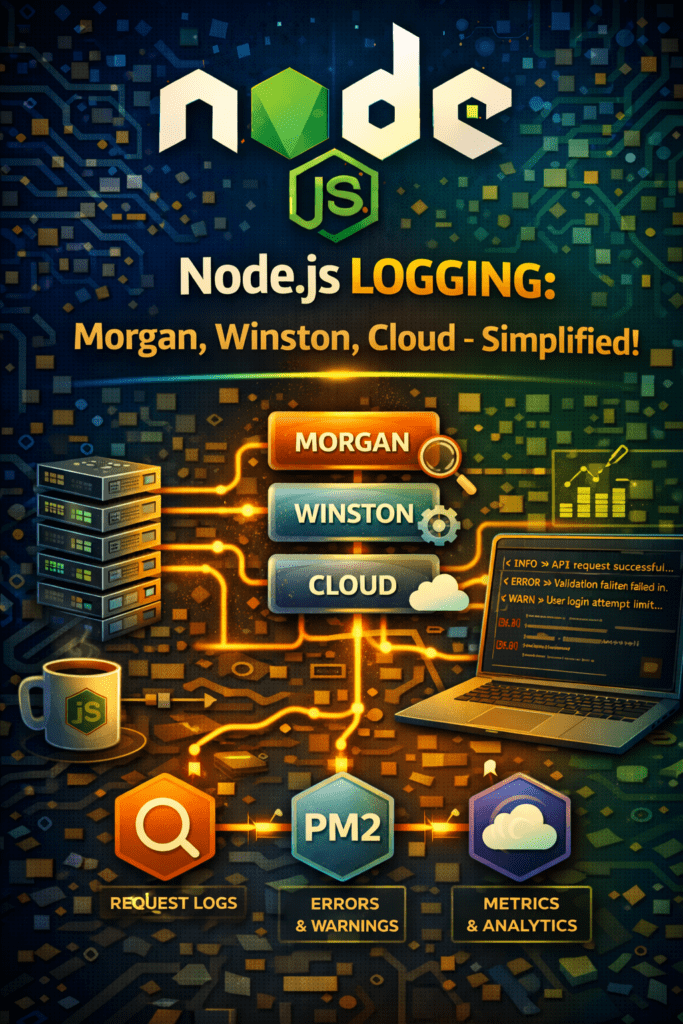
Node.js Logging: Morgan, Winston & Cloud Integration
Effective Node js logging is crucial for debugging, monitoring, and maintaining the health of your applications. This guide will cover how to implement robust logging strategies using popular libraries like Morgan and Winston, as well as how to write logs to files and even send them to the cloud.
Why is Node.js Logging Important?
Logging allows you to track events and errors within your application, providing valuable insights for troubleshooting issues and understanding application behavior. Without proper logging, identifying the root cause of problems becomes significantly harder. Furthermore, good logging helps with performance monitoring and security auditing.
Getting Started with Morgan for HTTP Request Logging
Morgan is a middleware for Node.js that automatically logs HTTP requests. It provides valuable information about incoming requests, such as the method, URL, status code, and response time.
“`javascript
const morgan = require(‘morgan’);
const express = require(‘express’);
const app = express();
app.use(morgan(‘combined’)); // Logs to console
“`
This simple example logs all incoming requests to the console. Morgan also supports various formats and custom configurations to suit your specific needs. It’s a great starting point for Node js logging in your application.
Level Up Your Logging with Winston
While Morgan excels at HTTP request logging, Winston offers a more flexible and powerful solution for general-purpose logging. Winston supports multiple transports (console, file, database, cloud), different log levels (error, warn, info, debug, verbose, silly), and customizable formatting.
Winston Logging Setup
To set up Winston, first install the package:
“`bash
npm install winston
“`
Then, configure your logger:
“`javascript
const winston = require(‘winston’);
const logger = winston.createLogger({
level: ‘info’,
format: winston.format.json(),
transports: [
new winston.transports.Console(),
new winston.transports.File({ filename: ‘error.log’, level: ‘error’ }),
new winston.transports.File({ filename: ‘combined.log’ }),
],
});
logger.info(‘This is an info log’);
logger.error(‘This is an error log’);
“`
This configuration logs all messages to the console, errors to `error.log`, and all messages to `combined.log`.
Writing Logs to Files
Winston makes it easy to write logs to files. As shown in the previous example, you can define `File` transports to specify where different log levels should be written.
“`javascript
new winston.transports.File({ filename: ‘error.log’, level: ‘error’ })
“`
Remember to handle file rotation to prevent log files from growing too large. Winston offers options for rotating log files based on size or date.
Sending Logs to the Cloud
For centralized logging and analysis, consider sending your logs to the cloud. Winston supports various cloud logging providers, such as:
- AWS CloudWatch
- Google Cloud Logging
- Azure Monitor
Each provider has its own Winston transport that you can install and configure. For example, to use AWS CloudWatch:
“`bash
npm install winston-cloudwatch
“`
Consult the specific provider’s documentation for detailed configuration instructions. Cloud logging makes Node js logging even more effective by creating one centralized, searchable, and analytical hub for your logs.
Best Practices for Node.js Logging
- Use appropriate log levels (debug, info, warn, error).
- Include relevant context in your log messages (request IDs, user IDs).
- Implement log rotation to prevent excessive disk usage.
- Securely handle sensitive data (e.g., passwords, API keys).
- Use structured logging (JSON format) for easier analysis.
Conclusion: Streamline Your Node.js Applications with Effective Logging
Implementing robust Node js logging is crucial for building reliable and maintainable applications. By leveraging tools like Morgan and Winston, and considering cloud integration, you can gain valuable insights into your application’s behavior and quickly identify and resolve issues. Take the time to set up a proper logging strategy – your future self will thank you. Get started today and improve the quality and stability of your Node.js applications!
FAQ: Node js Logging
Q1: What is the purpose of Node js logging?
Node js logging is used to track events, errors, and application behavior for debugging, monitoring, and auditing purposes. It provides insights into application health and helps identify the root cause of issues.
Q2: How does Morgan help with Node js logging?
Morgan is a middleware that automatically logs HTTP requests, providing information like method, URL, status code, and response time.
Q3: What are the advantages of using Winston for Node js logging?
Winston offers flexible and powerful logging with support for multiple transports (console, file, cloud), different log levels, and customizable formatting, allowing you to manage Node js logging effectively.
Q4: How can I write logs to files using Winston?
You can configure `File` transports in Winston to specify where different log levels should be written. Remember to implement log rotation to manage file sizes.
Q5: Why should I consider sending my Node js logs to the cloud?
Cloud logging provides centralized logging and analysis, making it easier to monitor and troubleshoot your applications across multiple environments. Services like AWS CloudWatch and Google Cloud Logging are ideal for this.
Q6: What log levels should I use in my Node js logging strategy?
Use appropriate log levels such as debug, info, warn, and error to categorize the severity of different events and messages. This makes it easy to filter logs based on their significance.
Q7: How do I implement log rotation?
Winston supports log rotation through libraries like `winston-daily-rotate-file`. Implement it to avoid having very large log files.
Call to Action: Ready to supercharge your Node.js application’s debugging capabilities? Integrate Winston and start logging like a pro today! [Link to a relevant resource or tutorial]
