
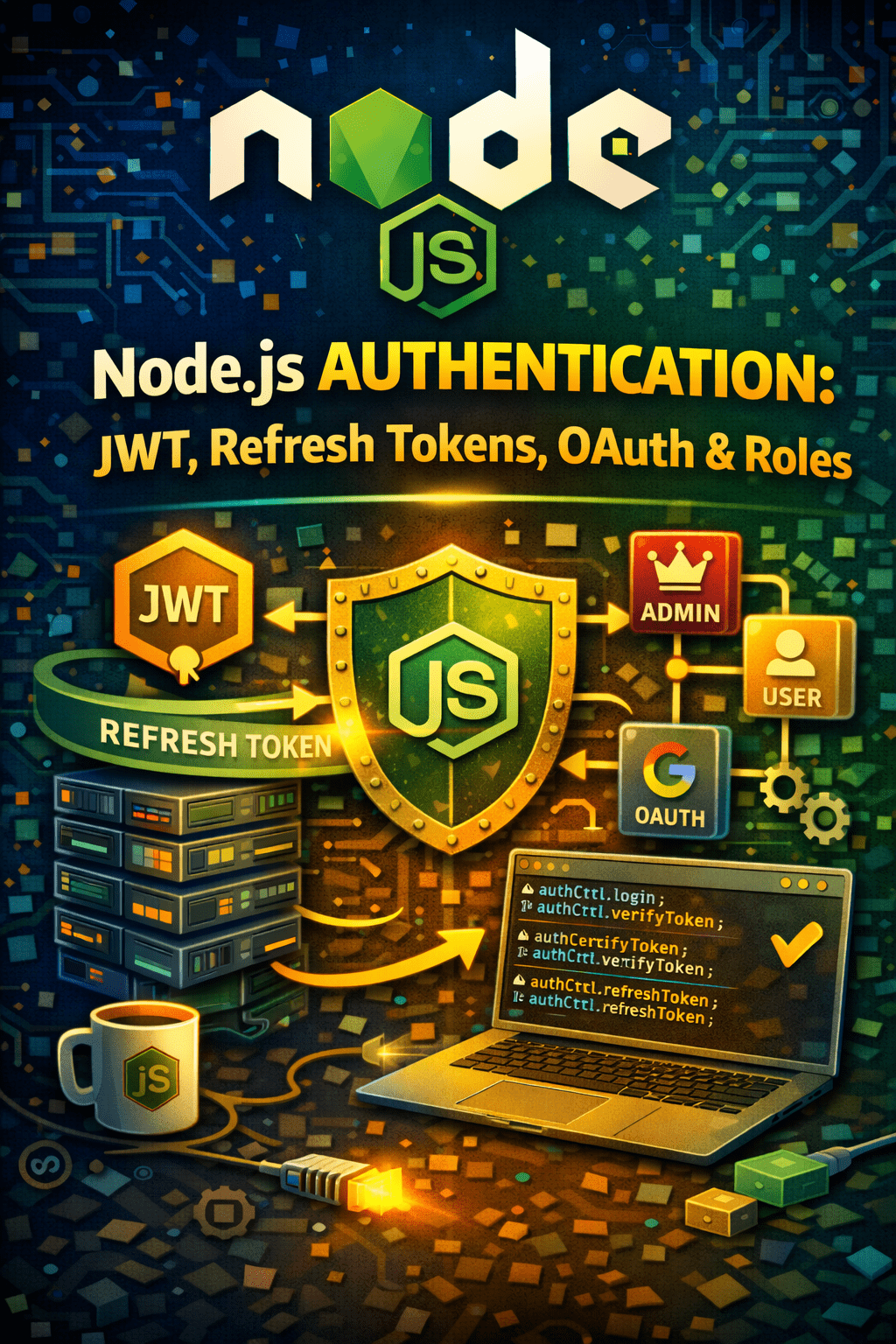
Node.js Authentication & Authorization: JWT, Refresh Tokens, OAuth (Google Login), Role-Based Access
Securing your Node.js application is paramount, and robust Node.js authentication and authorization mechanisms are crucial. This post dives into practical implementation details, covering JWT authentication, refresh token systems, OAuth (specifically Google Login), and role-based access control. Let’s explore how to build a secure foundation for your Node.js applications.
Understanding Authentication vs. Authorization
Authentication confirms who a user is. Authorization determines what they can access. Think of it like this: authentication is presenting your driver’s license (proving your identity), while authorization is whether that license allows you to drive a motorcycle or only a car (access to resources). We will cover both aspects in this tutorial.
JWT Authentication: Securing Your Endpoints
JSON Web Tokens (JWTs) are a standard for securely transmitting information as a JSON object. In Node.js, they’re widely used for authentication. JWTs consist of a header, payload, and signature. The server verifies the signature to ensure the token’s integrity.
“`javascript
// Example (Conceptual – requires libraries like jsonwebtoken)
// const jwt = require(‘jsonwebtoken’);
// const token = jwt.sign({ userId: 123 }, ‘secretKey’, { expiresIn: ‘1h’ });
“`
Remember: Never hardcode your secret key in production. Use environment variables for enhanced security. Furthermore, consider rotating your secrets periodically.
Implementing Refresh Tokens for Enhanced Security
JWTs typically have a short lifespan. Refresh tokens allow users to obtain a new access token without re-authenticating. When an access token expires, the client sends the refresh token to the server, which verifies it and issues a new access token. This approach significantly improves the user experience, providing seamless session management. This prevents users from needing to constantly re-enter credentials.
Refresh Token Storage
Store refresh tokens securely in a database. Associate them with the user and invalidate them when necessary (e.g., on logout or if compromised). It’s crucial to encrypt the refresh tokens to further protect them.
OAuth with Google Login: Simplifying User Onboarding
OAuth 2.0 enables users to authenticate with your application using their existing Google account. Libraries like `passport` and `googleapis` simplify the integration process. This greatly reduces the friction associated with creating new accounts and remembering passwords, improving the onboarding experience. The `passport-google-oauth20` strategy is particularly useful.
“`javascript
// Example using Passport.js (Conceptual – requires installation)
// passport.use(new GoogleStrategy({ / … / }, (accessToken, refreshToken, profile, done) => { / … / }));
“`
Role-Based Access Control (RBAC): Granular Permissions
RBAC allows you to define roles (e.g., “admin,” “editor,” “viewer”) and assign permissions to each role. Users are then assigned to specific roles. This enables fine-grained control over what users can access within your application. You can implement RBAC using middleware that checks a user’s role before allowing access to specific routes. Therefore, proper role setup will save you much trouble down the line.
Securing Your Node.js Application: Best Practices
Besides the concepts discussed above, remember these best practices:
- Input Validation: Sanitize all user inputs to prevent injection attacks.
- HTTPS: Always use HTTPS to encrypt communication between the client and server.
- Regular Security Audits: Conduct regular security audits to identify and address potential vulnerabilities.
- Dependency Management: Keep your dependencies up to date to patch security flaws.
Conclusion: Mastering Node.js Authentication & Authorization
Implementing robust Node.js authentication and authorization is essential for building secure and reliable applications. By leveraging JWTs, refresh tokens, OAuth with Google Login, and role-based access control, you can create a strong foundation for protecting your APIs and user data. Secure your Node.js applications today!
FAQ: Node.js Authentication & Authorization
* Node.js authentication verifies the identity of users accessing your application, ensuring only authorized individuals can access protected resources. It’s crucial for data security and user privacy.
* JWTs are digitally signed JSON objects containing user information. The server verifies the signature to confirm the token’s authenticity, allowing access to protected routes.
* Refresh tokens allow users to obtain new access tokens without re-authenticating, improving the user experience and enhancing security by minimizing the lifespan of access tokens.
* OAuth allows users to authenticate with your application using their existing Google accounts, eliminating the need to create new accounts and remember separate passwords.
* RBAC allows you to define roles and assign permissions to each role. This provides granular control over what users can access based on their assigned role.
* No, storing JWTs in local storage exposes you to XSS attacks. Consider using HttpOnly cookies instead.
* Key rotation frequency depends on your specific security requirements and risk assessment. However, a good practice is to rotate keys regularly, such as monthly or quarterly.
Call to Action: Want to learn more about securing your Node.js applications? Download our free ebook on Node.js security best practices today! Node.js Security: API, SQL Injection, Passwords & More! Node.js Modules: Built-in, Custom & ES Modules!