
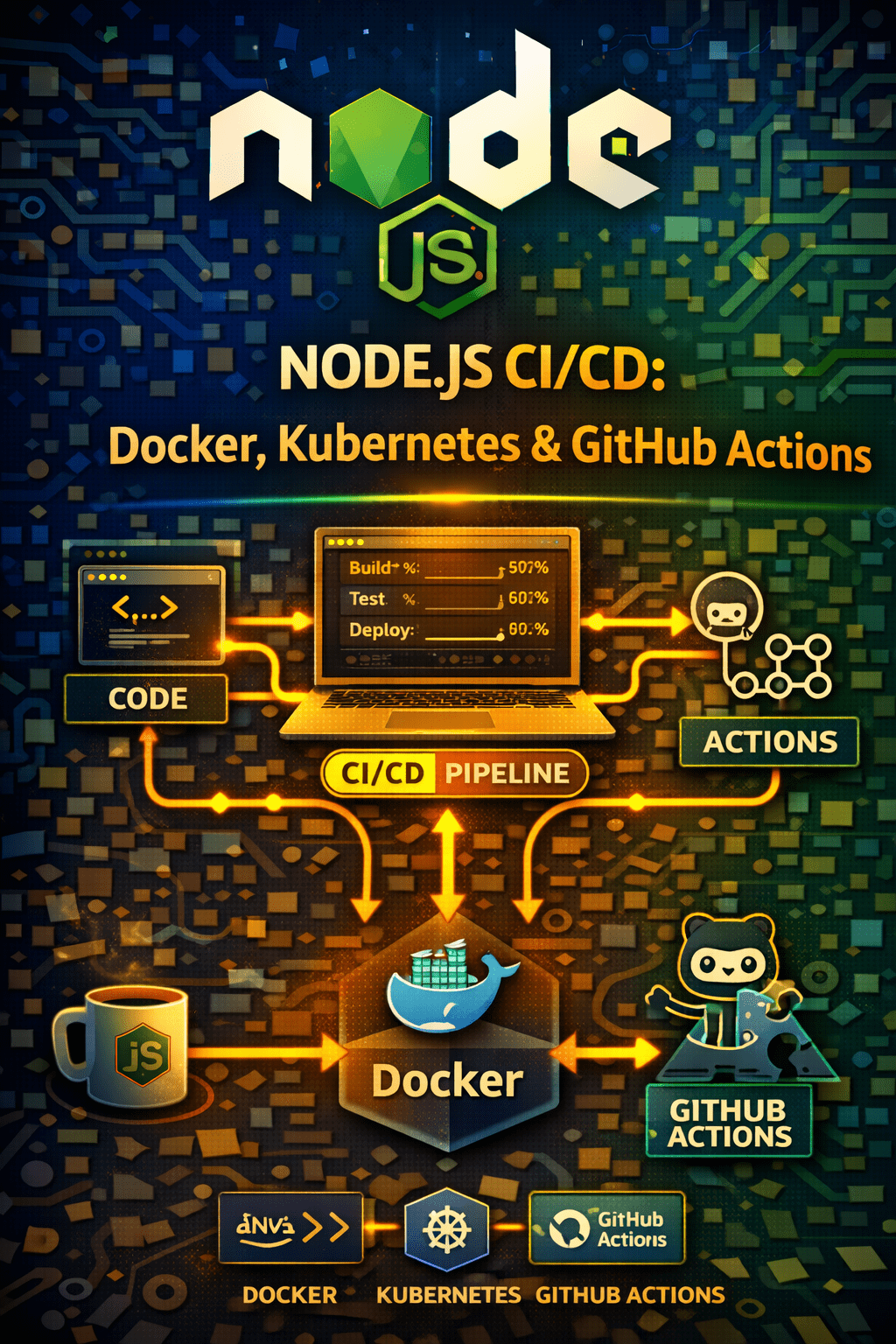
Node.js CI/CD (GitHub Actions pipeline for Node, Docker + Kubernetes basics for Node apps, Nginx reverse proxy setup)
Deploying Node.js applications efficiently requires a robust Continuous Integration and Continuous Delivery (CI/CD) pipeline. This article guides you through setting up a Node.js CI/CD pipeline using GitHub Actions, Docker, and Kubernetes, along with basic Nginx reverse proxy configuration. Let’s streamline your deployment process!
Why Use CI/CD for Your Node.js App?
CI/CD automates the software release process, reducing manual errors, increasing speed, and improving code quality. Consequently, your team can focus on building features instead of dealing with tedious deployment tasks. This means faster feedback loops, quicker iterations, and ultimately, a better product.
Dockerizing Your Node.js Application
Docker packages your Node.js application and its dependencies into a container, ensuring consistency across different environments. To begin, create a `Dockerfile` in your project’s root directory.
“`dockerfile
FROM node:16-alpine
WORKDIR /app
COPY package*.json ./
RUN npm install
COPY . .
EXPOSE 3000
CMD [“npm”, “start”]
“`
This Dockerfile uses a lightweight Alpine Linux-based Node.js image, copies your application code, installs dependencies, and defines the command to start your application. This ensures a consistent and repeatable build process.
Image Description: “Dockerizing a Node.js application” (alt: Docker container running a Node.js application)
Kubernetes Basics for Node.js Deployment
Kubernetes is a container orchestration platform that automates the deployment, scaling, and management of your Dockerized Node.js application. You’ll need a `Deployment` and a `Service` manifest file.
Here’s a simplified `deployment.yaml`:
“`yaml
apiVersion: apps/v1
kind: Deployment
metadata:
name: node-app-deployment
spec:
replicas: 3
selector:
matchLabels:
app: node-app
template:
metadata:
labels:
app: node-app
spec:
containers:
– name: node-app
image: your-dockerhub-username/node-app:latest
ports:
– containerPort: 3000
“`
And a `service.yaml`:
“`yaml
apiVersion: v1
kind: Service
metadata:
name: node-app-service
spec:
type: LoadBalancer
selector:
app: node-app
ports:
– protocol: TCP
port: 80
targetPort: 3000
“`
These files define how your application is deployed and exposed within the Kubernetes cluster. Remember to replace `your-dockerhub-username/node-app:latest` with your actual Docker Hub image.
Image Description: “Kubernetes deployment of a Node.js application” (alt: Kubernetes cluster managing a Node.js application)
Setting Up a GitHub Actions Pipeline
GitHub Actions automates your CI/CD workflow directly within your GitHub repository. Create a `.github/workflows` directory in your project and add a YAML file, such as `node-ci-cd.yml`, to define your workflow.
“`yaml
name: Node.js CI/CD
on:
push:
branches: [ “main” ]
pull_request:
branches: [ “main” ]
jobs:
build:
runs-on: ubuntu-latest
steps:
– uses: actions/checkout@v3
– name: Use Node.js 16
uses: actions/setup-node@v3
with:
node-version: 16
– run: npm install
– run: npm test
deploy:
needs: build
runs-on: ubuntu-latest
if: github.ref == ‘refs/heads/main’
steps:
– uses: actions/checkout@v3
– name: Build and push Docker image
run: |
docker login -u ${{ secrets.DOCKERHUB_USERNAME }} -p ${{ secrets.DOCKERHUB_TOKEN }}
docker build -t your-dockerhub-username/node-app:${GITHUB_SHA} .
docker push your-dockerhub-username/node-app:${GITHUB_SHA}
– name: Deploy to Kubernetes
run: |
# Add your kubectl commands here to update your Kubernetes deployment
echo “Deploying to Kubernetes (replace with kubectl commands)”
“`
This workflow defines two jobs: `build` which runs tests and `deploy` which builds and pushes the Docker image to Docker Hub. The `deploy` job runs only on pushes to the `main` branch. You’ll need to configure secrets like `DOCKERHUB_USERNAME` and `DOCKERHUB_TOKEN` in your GitHub repository settings.
Image Description: “GitHub Actions Pipeline for Node.js CI/CD” (alt: GitHub Actions CI/CD pipeline for Node.js app deployment)
Nginx Reverse Proxy Setup (Basic)
Nginx can act as a reverse proxy, handling incoming requests and routing them to your Node.js application running within Kubernetes. This improves performance and security. A basic Nginx configuration file (`nginx.conf`) might look like this:
“`nginx
server {
listen 80;
server_name your-domain.com;
location / {
proxy_pass http://node-app-service:3000; # Replace with your Kubernetes service name and port
proxy_http_version 1.1;
proxy_set_header Upgrade $http_upgrade;
proxy_set_header Connection ‘upgrade’;
proxy_set_header Host $host;
proxy_cache_bypass $http_upgrade;
}
}
“`
This configuration listens on port 80 and proxies all requests to the `node-app-service` Kubernetes service on port 3000. You’ll need to adapt this configuration to your specific needs.
Image Description: “Nginx reverse proxy setup for Node.js” (alt: Nginx server acting as a reverse proxy for Node.js)
Conclusion
Implementing a Node.js CI/CD pipeline with GitHub Actions, Docker, Kubernetes, and Nginx can significantly improve your deployment workflow. While this guide provides a basic framework, remember to adapt the configurations and workflows to your specific requirements. Start automating your deployments today for faster, more reliable releases!
FAQ
* Node.js CI/CD refers to the automation of building, testing, and deploying Node.js applications. It’s vital for efficiency, reliability, and faster release cycles.
* Docker ensures consistent environments and simplifies deployment across different platforms.
* Kubernetes offers automated scaling, management, and self-healing capabilities for containerized applications.
* Yes, Jenkins, GitLab CI, and CircleCI are other popular options. However, GitHub Actions integrates seamlessly with GitHub.
* Use secrets management for sensitive information like API keys and database passwords, and regularly update your dependencies.
A very basic understanding of Kubernetes deployments and services is assumed. This tutorial focuses more on the CI/CD pipeline aspects.
Nginx acts as a load balancer, provides SSL termination, and improves security by masking the internal structure of your application.
Call to Action:
Ready to automate your Node.js deployments? Start building your CI/CD pipeline today and experience the benefits of faster, more reliable releases! [Link to a relevant resource or signup page.] Node.js Deployment: Top Methods for VPS & Cloud Node.js Logging: Morgan, Winston, Cloud – Simplified!