
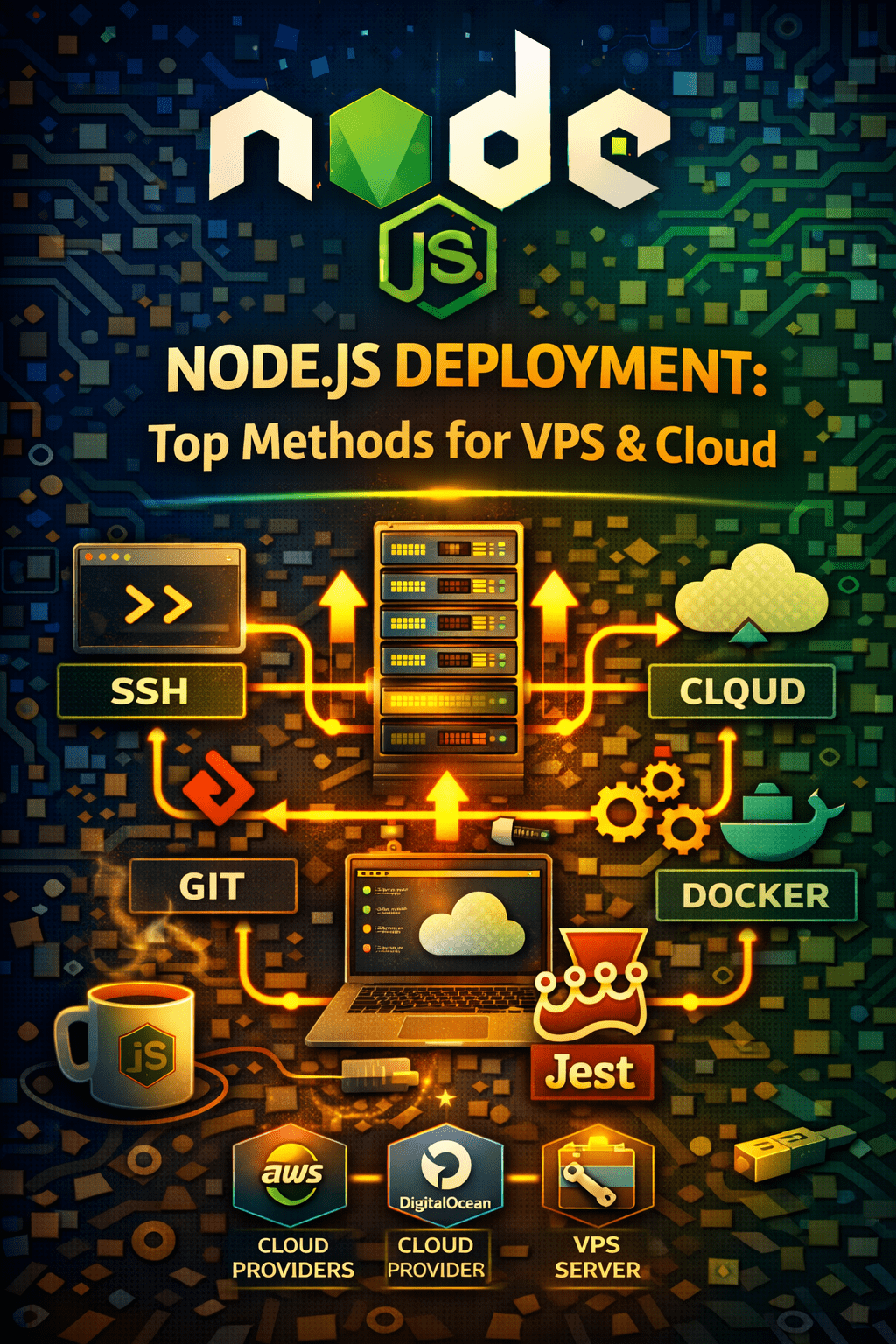
Node.js Deployment Methods: A Comprehensive Guide
Deploying a Node.js application can seem daunting, especially with the multitude of available Node.js deployment methods. Whether you’re aiming for cost-effectiveness, scalability, or ease of use, choosing the right strategy is crucial for success. This guide covers various approaches, from deploying on a VPS to utilizing containerization with Docker. Let’s explore your options.
Deploying Node.js on a VPS (Linux)
One common method involves deploying your Node.js application on a Virtual Private Server (VPS) running Linux. This offers considerable control over your environment. You’ll need to install Node.js, set up a reverse proxy (like Nginx), and potentially use a process manager to keep your application running. This approach requires more manual configuration.
- Pros: Cost-effective, full control over the server environment.
- Cons: Requires significant technical expertise, more manual maintenance.
Deploying Node.js Apps using PM2
PM2 is a popular process manager for Node.js applications. It simplifies deployment by automatically restarting your app if it crashes, managing logs, and providing load balancing capabilities. PM2 can be used in conjunction with a VPS or on other cloud platforms.
- Benefits of PM2: Automatic restarts, process monitoring, load balancing.
- Configuration: PM2 can be configured using ecosystem files for automated deployment.
Deploying on AWS EC2
Amazon Web Services (AWS) Elastic Compute Cloud (EC2) provides scalable computing capacity in the cloud. You can launch a virtual server with your desired operating system (Linux, Windows, etc.) and then configure it to run your Node.js application. AWS provides numerous tools to manage scaling, security, and monitoring of your application. This is often a good solution if your Node.js deployment methods need to scale.
- Scalability: Easily scale resources up or down as needed.
- Integration: Integrates seamlessly with other AWS services like S3, RDS, and CloudFront.
Deploying on Render / Railway
Render and Railway are Platform-as-a-Service (PaaS) providers that simplify Node.js deployment. They handle much of the infrastructure management, allowing you to focus on developing your application. You simply connect your Git repository, and the platform handles building, deploying, and scaling your application. This offers rapid deployment and reduced operational overhead.
- Easy Setup: Connect your Git repo and deploy with minimal configuration.
- Automatic Scaling: Automatically scales resources based on application demand.
Dockerizing a Node.js Application
Docker allows you to package your Node.js application and its dependencies into a container, ensuring consistency across different environments. This eliminates the “it works on my machine” problem. Deploying a Docker container is platform-agnostic, meaning you can deploy it on various cloud providers or even on-premise servers. This is a flexible and robust Node.js deployment method.
- Consistency: Ensures consistent application behavior across environments.
- Portability: Deploy your application anywhere that supports Docker containers.
Creating a Dockerfile
The first step in Dockerizing your Node.js application is creating a Dockerfile. This file contains instructions for building the Docker image. For example:
“`dockerfile
FROM node:16
WORKDIR /app
COPY package*.json ./
RUN npm install
COPY . .
CMD [“npm”, “start”]
“`
Choosing the Right Deployment Method
The best Node.js deployment methods depend on your specific requirements, technical expertise, and budget. If you need full control and are comfortable with server administration, a VPS might be a good option. If you prefer ease of use and rapid deployment, Render or Railway could be a better choice. Docker provides a consistent and portable deployment solution, while AWS EC2 offers scalability and integration with other AWS services.
[Internal Link: Link to a relevant article about choosing the right database for your Node.js application.]
Conclusion: Selecting Your Ideal Node.js Deployment Strategy
In conclusion, successful Node.js deployment methods vary based on your project’s needs. Each approach offers unique advantages in terms of control, ease of use, and scalability. By understanding the strengths and weaknesses of each method – VPS, PM2, AWS EC2, Render/Railway, and Docker – you can choose the optimal strategy to ensure your Node.js application is reliably deployed and ready to scale. Start experimenting and find what works best for you! Node.js CI/CD: Docker, Kubernetes & GitHub Actions Node.js Setup: A Quick & Easy Configuration Guide