
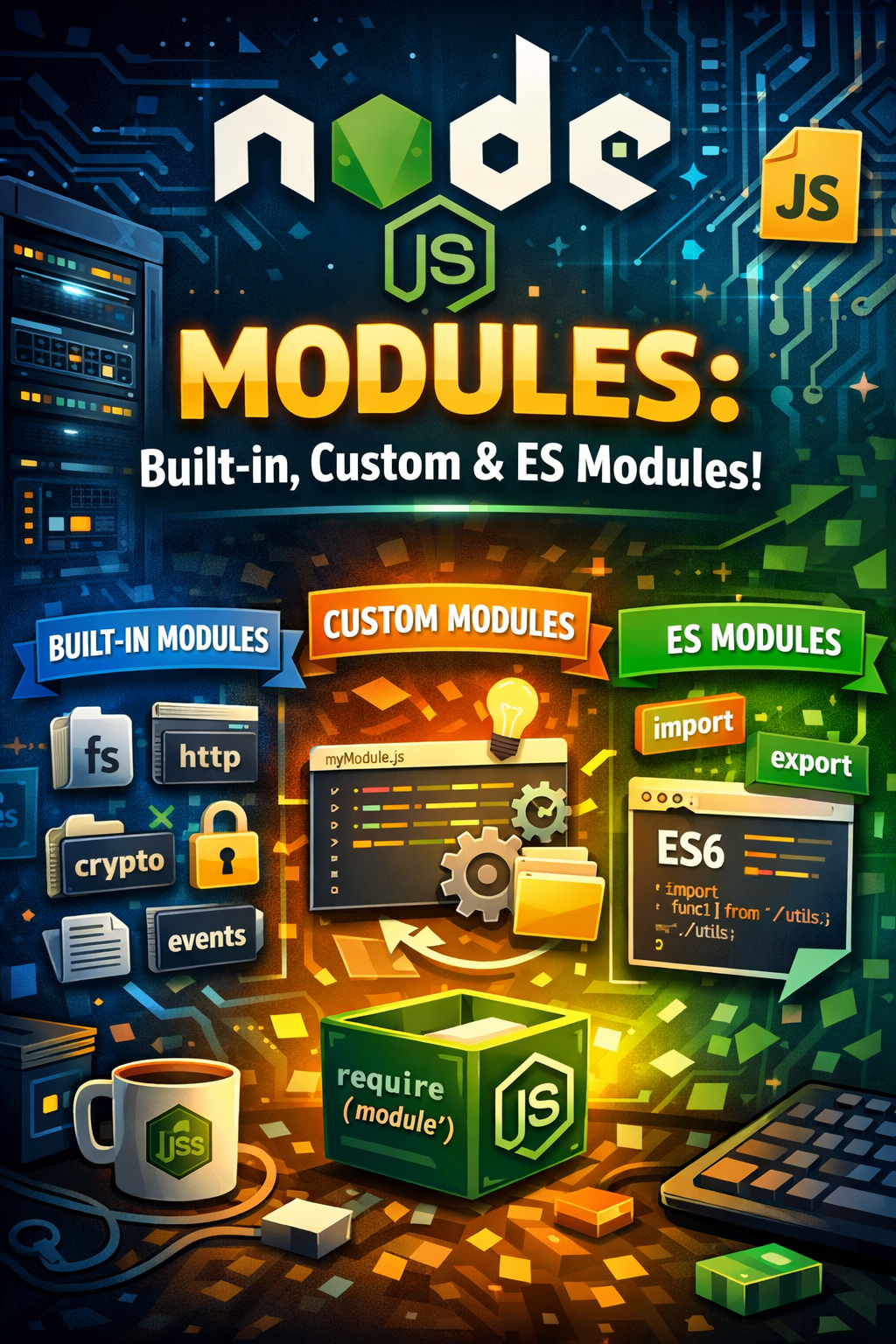
Node.js Modules (Built-in modules (fs, path, http, crypto, events), Creating and exporting custom modules, ES Modules vs CommonJS)
Node.js modules are essential building blocks for creating robust and scalable applications. Understanding the different types of Node.js modules, from the built-in ones to custom creations and the modern ES Modules standard, is crucial for any Node.js developer. This post will explore these module types, how to create your own, and how they compare to CommonJS.
Understanding Built-in Node.js Modules
Node.js comes equipped with a range of built-in modules that provide core functionalities. These modules eliminate the need to install external dependencies for common tasks, significantly speeding up development. Let’s explore some of the most widely used ones.
- fs (File System): Allows you to interact with the file system, enabling read, write, and delete operations.
- path: Provides utilities for working with file and directory paths in a cross-platform manner.
- http: Facilitates creating HTTP servers and clients for building web applications.
- crypto: Offers cryptographic functionality, including hashing, encryption, and digital signatures.
- events: Implements an event-driven programming model, essential for handling asynchronous operations. Therefore, it allows you to create, trigger and listen to your own events.
Creating and Exporting Custom Modules
Beyond the built-in options, you can create your own custom Node.js modules to encapsulate reusable logic. This promotes code organization and maintainability.
ES Modules vs CommonJS
Node.js initially used the CommonJS module system. However, ES Modules (ESM), the standard JavaScript module system, is now supported. Key differences exist:
- Syntax: CommonJS uses `require()` and `module.exports`, while ESM uses `import` and `export`.
- Asynchronous Loading: ESM supports asynchronous loading, improving performance, unlike the synchronous nature of CommonJS.
- Strict Mode: ESM always runs in strict mode, promoting cleaner code.
- File Extension: ES modules typically use `.mjs` extension or require `”type”: “module”` in `package.json`.
Ultimately, the choice depends on project requirements. While CommonJS still works, ES Modules represent the future of JavaScript modules.
Using the `fs` Module
The `fs` module is fundamental for interacting with the file system. Consequently, it offers both synchronous and asynchronous methods.
“`javascript
const fs = require(‘fs’);
// Asynchronous read
fs.readFile(‘myfile.txt’, ‘utf8’, (err, data) => {
if (err) throw err;
console.log(data);
});
“`
Consider using asynchronous methods for non-blocking I/O operations to avoid blocking the event loop, especially in high-traffic servers.
Implementing Event Emitters
The `events` module provides a powerful way to manage asynchronous operations through event emitters.
“`javascript
const EventEmitter = require(‘events’);
class MyEmitter extends EventEmitter {}
const myEmitter = new MyEmitter();
myEmitter.on(‘event’, () => {
console.log(‘an event occurred!’);
});
myEmitter.emit(‘event’);
“`
Event emitters are useful for building decoupled and reactive components in your applications.
Securing Applications with the `crypto` Module
The `crypto` module offers cryptographic functionality, crucial for securing data and communications. For example, you can use it to generate hashes or encrypt data.
“`javascript
const crypto = require(‘crypto’);
const hash = crypto.createHash(‘sha256’).update(‘my secret data’).digest(‘hex’);
console.log(hash);
“`
Always use secure practices, such as strong algorithms and proper key management, when working with sensitive data.
Conclusion: Mastering Node.js Modules for Scalable Applications
In conclusion, mastering Node.js modules, whether built-in, custom, or ES modules, is vital for creating efficient and maintainable Node.js applications. Understanding their usage and proper implementation techniques ensures that your code is organized, secure, and ready for scalability. Start experimenting with different modules today to enhance your Node.js development skills! Node.js File Handling: Master Reading & Writing