Node.js Building Servers: Quick & Easy Guide!
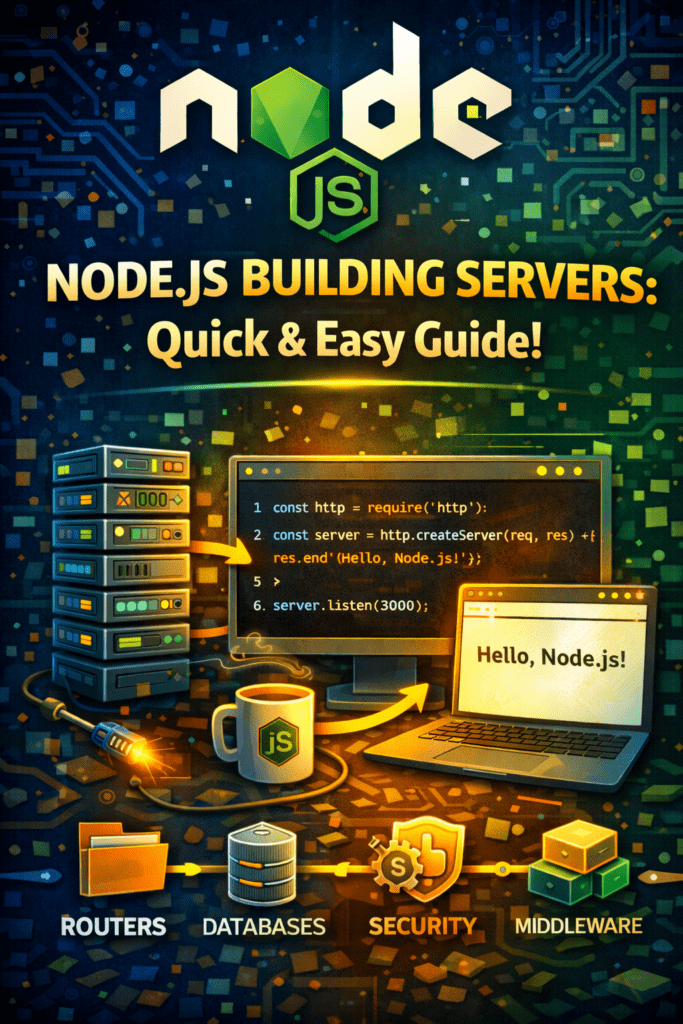
Node.js Building Servers: A Developer’s Guide
So, you want to start Node.js building servers? Great choice! Node.js provides a powerful and efficient platform for developing scalable network applications. This guide will walk you through the essential steps to get your server up and running. Let’s dive in and see how easily you can start using Node.js to create servers.
Why Choose Node.js for Server Development?
Node.js offers several advantages over traditional server-side technologies. Firstly, it uses JavaScript, a language familiar to many web developers. Furthermore, Node.js’s non-blocking, event-driven architecture allows it to handle a high volume of concurrent connections. Additionally, the extensive npm package ecosystem provides a wealth of tools and libraries for various server-side tasks. For these reasons, many modern companies choose Node.js.
Setting Up Your Node.js Environment
Before you begin, you’ll need to install Node.js and npm (Node Package Manager) on your system. You can download the latest stable version from the official Node.js website. Once installed, verify the installation by running `node -v` and `npm -v` in your terminal. Afterwards, create a new project directory and initialize it with `npm init -y`. This will create a `package.json` file, which manages your project dependencies.
Creating Your First Node.js Server
Now, let’s create a simple HTTP server. Create a file named `server.js` in your project directory. Add the following code to the file:
“`javascript
const http = require(‘http’);
const hostname = ‘127.0.0.1’;
const port = 3000;
const server = http.createServer((req, res) => {
res.statusCode = 200;
res.setHeader(‘Content-Type’, ‘text/plain’);
res.end(‘Hello, World!n’);
});
server.listen(port, hostname, () => {
console.log(`Server running at http://${hostname}:${port}/`);
});
“`
This code imports the `http` module, creates a server that listens on port 3000, and responds with “Hello, World!” to any incoming request. To run the server, execute `node server.js` in your terminal. You should see a message indicating that the server is running. Open your web browser and navigate to `http://localhost:3000` to see the “Hello, World!” message.
Understanding the Code Snippet
Let’s break down the code. The `require(‘http’)` line imports the built-in HTTP module. The `http.createServer()` method creates a new HTTP server instance. The callback function passed to `createServer()` handles incoming requests. It sets the response status code to 200 (OK), sets the content type to `text/plain`, and sends the “Hello, World!” message as the response body. Finally, `server.listen()` starts the server and listens for incoming connections on the specified port and hostname.
Using Express.js for Enhanced Server Functionality
While the `http` module provides the basic functionality for creating servers, Express.js simplifies the process and offers more advanced features. Express.js is a popular Node.js framework for building web applications and APIs. Install it using `npm install express`.
Here’s an example of creating a server using Express.js:
“`javascript
const express = require(‘express’);
const app = express();
const port = 3000;
app.get(‘/’, (req, res) => {
res.send(‘Hello World!’)
});
app.listen(port, () => {
console.log(`Example app listening on port ${port}`)
});
“`
This code imports the `express` module, creates an Express application instance, defines a route that handles requests to the root path (`/`), and starts the server listening on port 3000. This is a much cleaner and faster way to Node.js building servers.
Handling Routes and Middleware
Express.js makes it easy to define routes and handle different types of requests. You can use the `app.get()`, `app.post()`, `app.put()`, and `app.delete()` methods to define routes for different HTTP methods.
Middleware functions are functions that have access to the request object (req), the response object (res), and the next middleware function in the application’s request-response cycle. Middleware functions can perform tasks such as logging, authentication, and data validation.
Deploying Your Node.js Server
Once your server is ready, you can deploy it to a cloud platform such as Heroku, AWS, or Google Cloud. Each platform has its own deployment process, but typically involves creating an account, configuring your application, and deploying your code. Make sure to properly configure your environment variables and server settings for production.
Conclusion: Start Building Your Servers with Node.js Today!
Node.js provides a versatile and efficient platform for Node.js building servers. From basic HTTP servers to complex web applications, Node.js empowers developers to create scalable and performant solutions. With its rich ecosystem of modules and frameworks like Express.js, the possibilities are endless. Don’t wait – start building your servers with Node.js today!
FAQ
Here are some frequently asked questions about Node.js building servers:
(Call to Action): Ready to build amazing servers with Node.js? Start your free trial of our premium Node.js tutorial today and unlock the secrets to becoming a Node.js server expert! Click here to learn more! Node.js Real-time Apps: WebSockets, Socket.IO, Notifications Complete Express.js: Build Scalable Web Apps with the… Node.js Modules: Built-in, Custom & ES Modules! Node.js Intro: What is Node.js & Why Use It? Testing Livewire Components in Livewire 3.0 Leveraging Alpine.js with Livewire 3.0 for Advanced Interactivity Creating Multi-Step Forms in Livewire 3.0 Pagination in Livewire 3.0 Laravel And Vue Contact Form Basics Of Laravel And VUE JS
