
PayU Gateway
Integrate PayU into your Bagisto Laravel store — cards, UPI, EMI, and netbanking for Indian customers with hosted PCI-compliant checkout and full admin configuration.
Cards · UPI · EMI · Netbanking · Trial 7 days · Paid ₹600/year
PayU payments for Bagisto
Built by Wontonee for Bagisto Laravel stores — cards · upi · emi · netbanking with admin configuration, secure payment handling, and a checkout experience your customers trust.
Everything for PayU checkout
Multiple payment methods
Cards, UPI, wallets, EMI, and netbanking through PayU's hosted payment page.
Secure hosted checkout
PCI-compliant PayU payment page handles sensitive card data — reducing compliance burden on your store.
Transaction history
Full payment history and transaction logs accessible from Bagisto admin.
Plug-and-play setup
Configure your PayU merchant credentials and license key — go live in minutes.
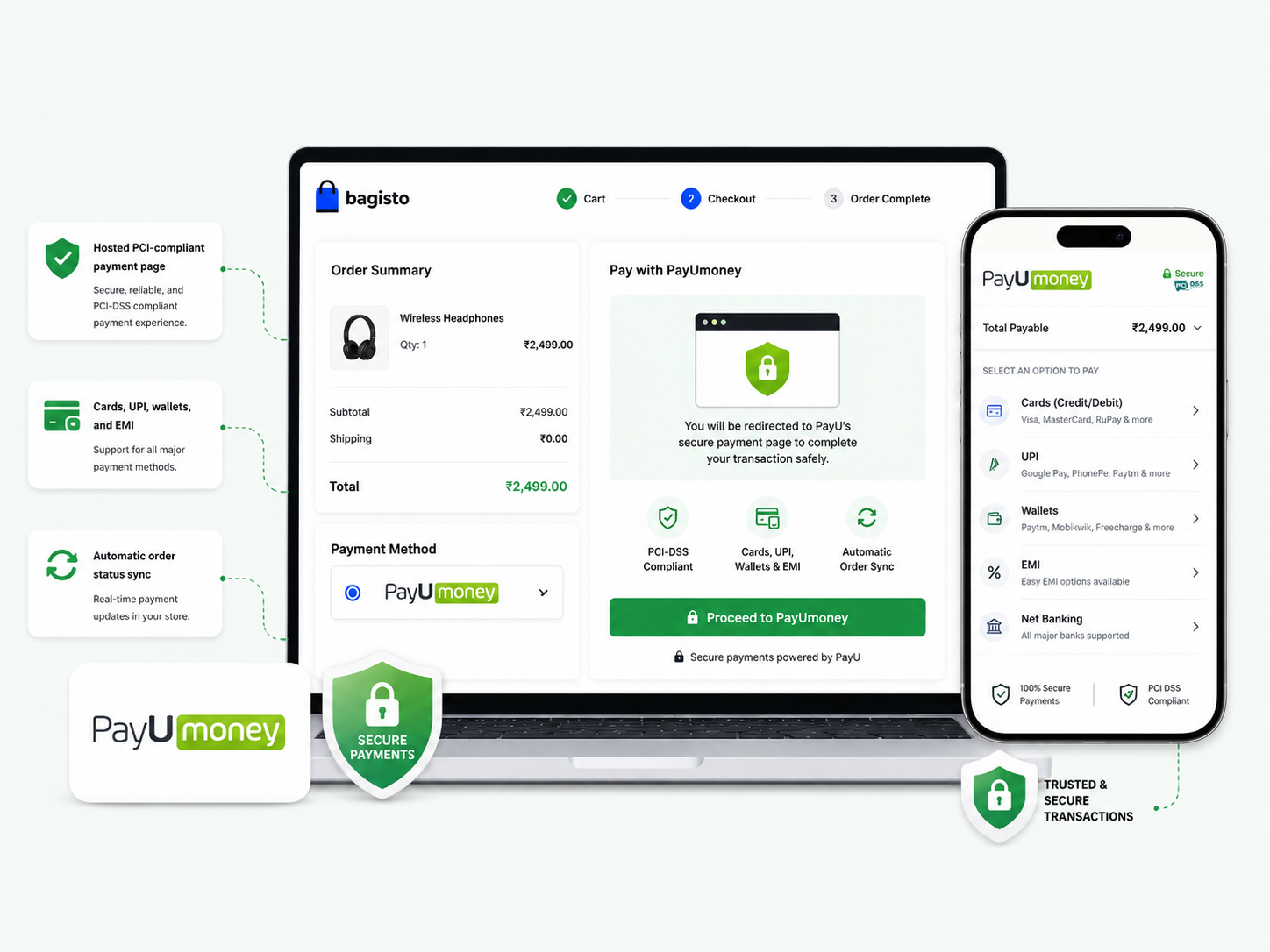
Trusted PayU hosted payments
Customers are redirected to PayU's secure payment page to complete transactions with their preferred method — cards, UPI, EMI, or netbanking.
- Hosted PCI-compliant payment page
- Cards, UPI, wallets, and EMI
- Automatic order status sync
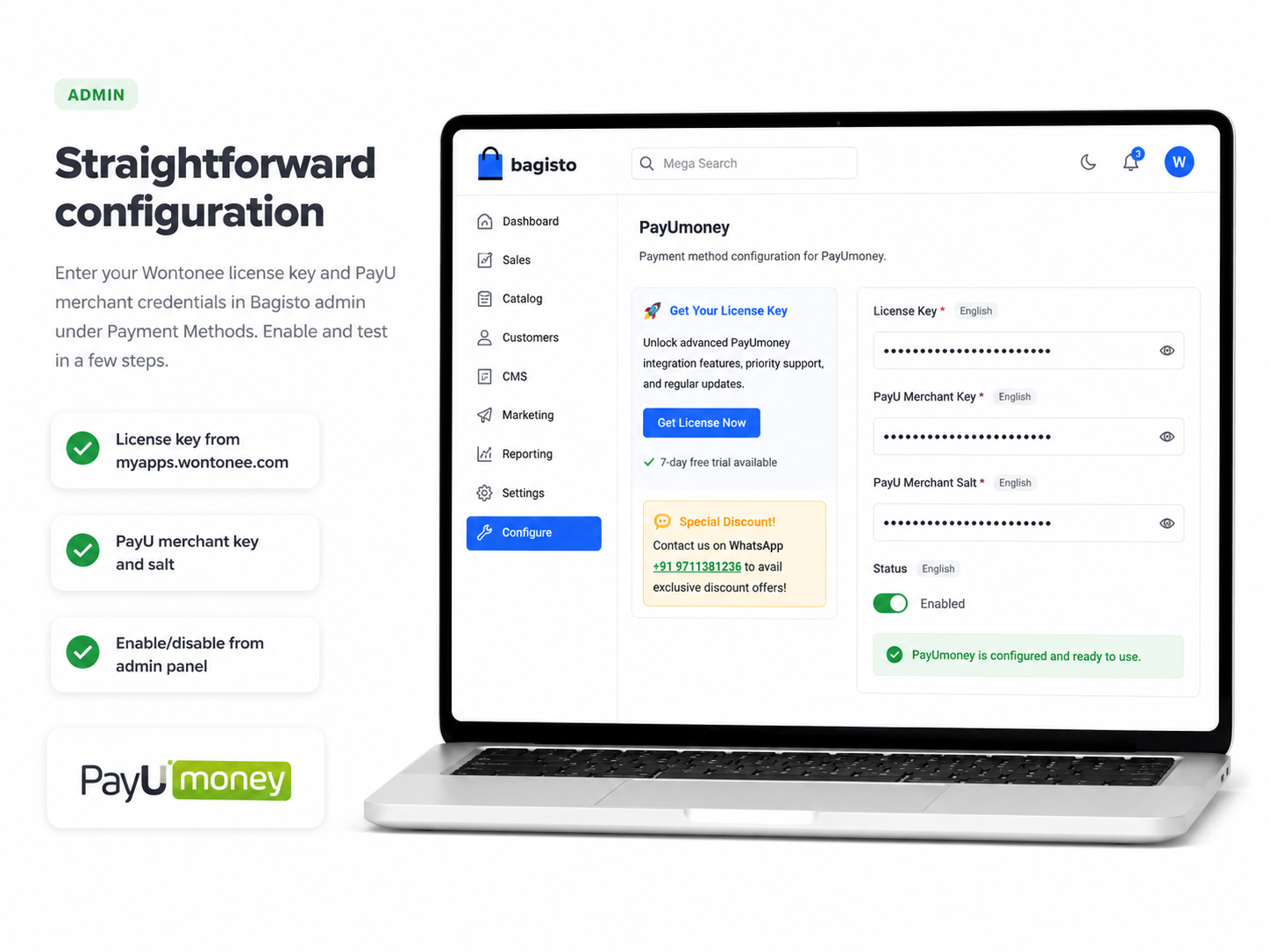
Straightforward configuration
Enter your Wontonee license key and PayU merchant credentials in Bagisto admin under Payment Methods. Enable and test in a few steps.
- License key from myapps.wontonee.com
- PayU merchant key and salt
- Enable/disable from admin panel
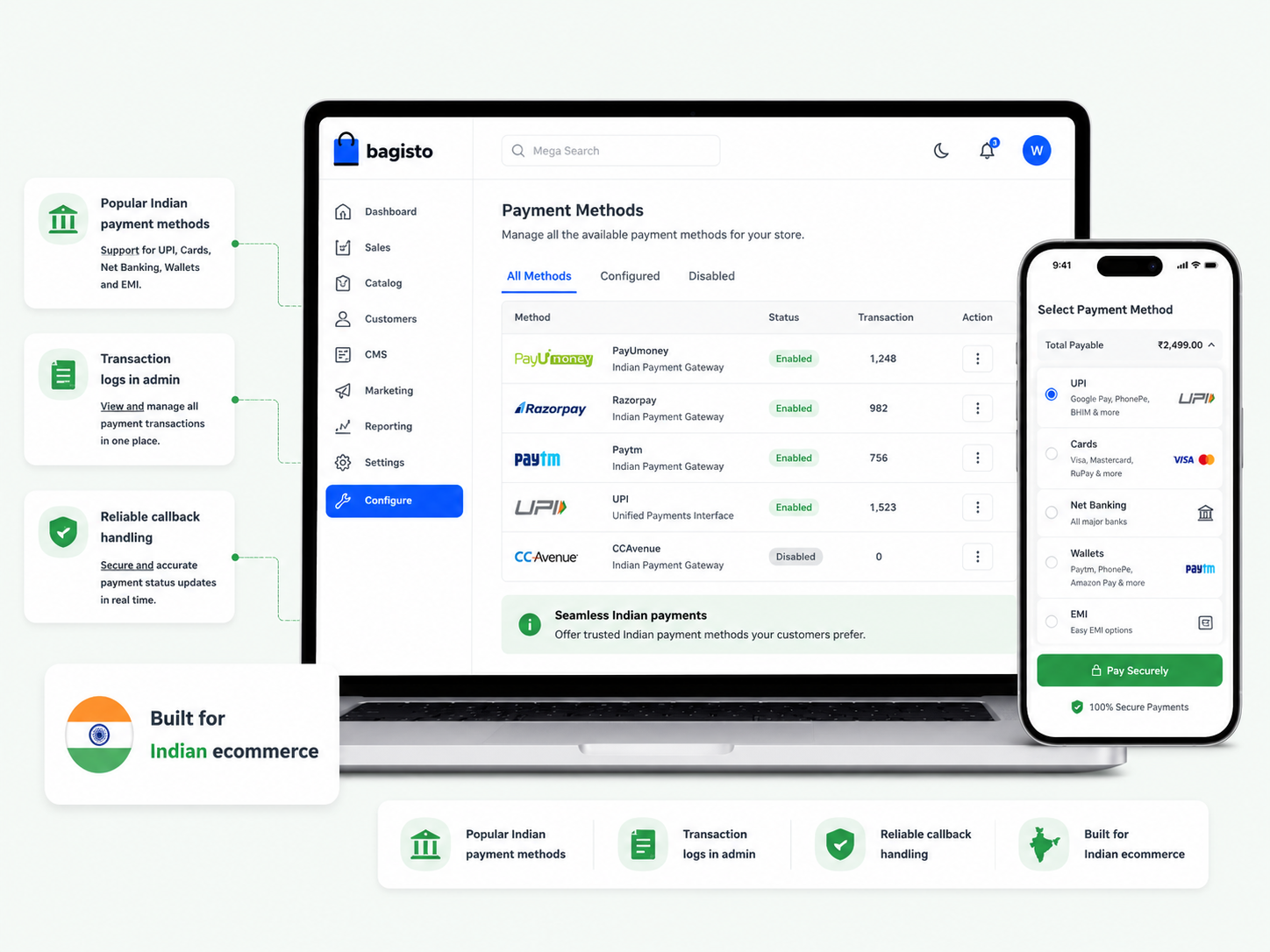
Built for Indian ecommerce
Designed for Bagisto stores serving Indian customers with the payment methods they expect — integrated cleanly into your existing checkout flow.
- Popular Indian payment methods
- Transaction logs in admin
- Reliable callback handling
Get started in minutes
Install via Composer, configure in Bagisto admin, and accept your first payment.
Get a license
Obtain a trial or paid license from myapps.wontonee.com.
Install via Composer
Run composer require wontonee/payu in your Bagisto project.
Publish assets
Run php artisan vendor:publish --tag=payu-assets.
Configure in admin
Enter license key and PayU credentials under Configuration → Payment Methods → PayU.
Optimize & test
Run config:cache and optimize, then place a test order to verify the payment flow.
composer require wontonee/payuphp artisan vendor:publish --tag=payu-assetsWontonee license required
Obtain a trial or paid license from myapps.wontonee.com, then enter your license key alongside PayU API credentials in Bagisto admin.
- Trial 7 days · Paid ₹600/year
- Updates and priority support included
- Configure under Payment Methods in admin