
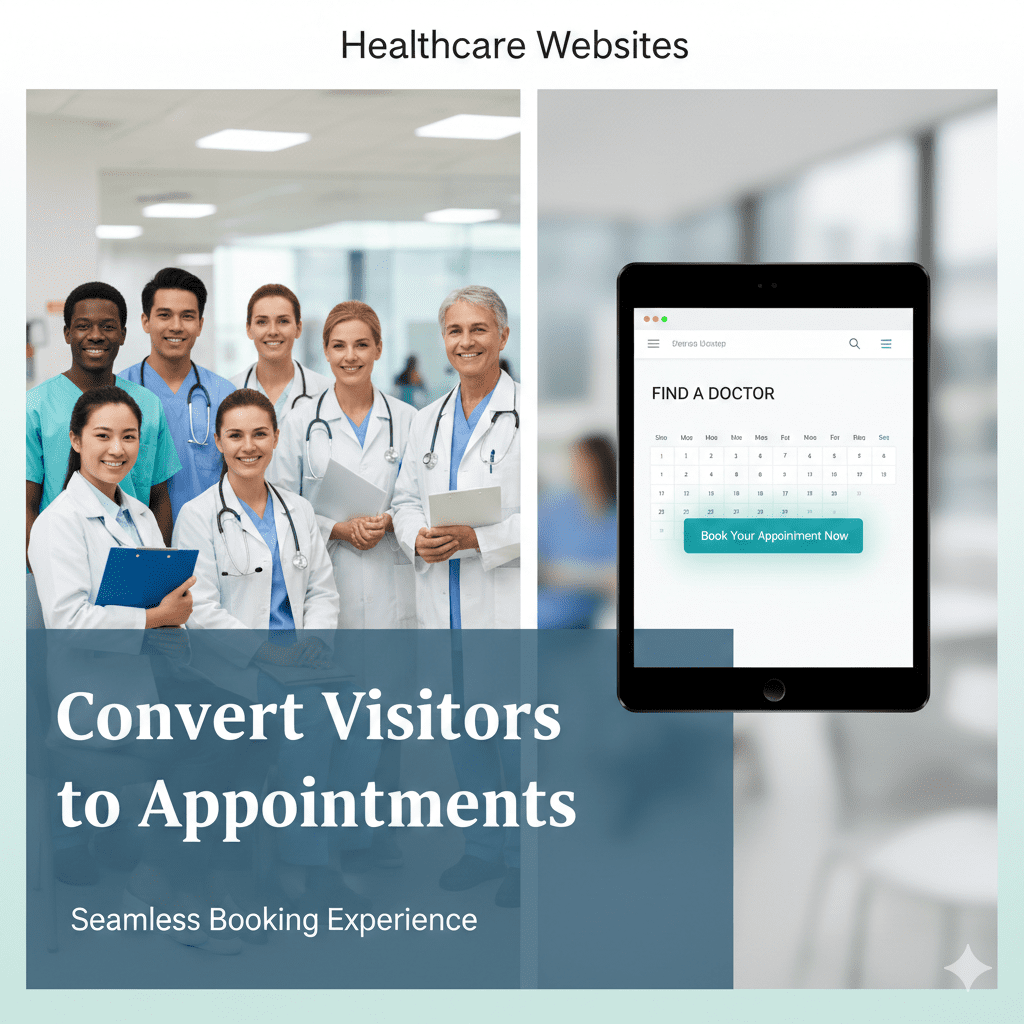
How Healthcare Websites Convert Visitors into Patient Appointments
In today’s digital age, a strong online presence is crucial for any healthcare provider. However, having a visually appealing website is not enough. The ultimate goal is to convert those website visitors into actual patient appointments. This blog post will outline actionable strategies to optimize your healthcare websites for higher conversion rates.
Streamline the Appointment Booking Process
The cornerstone of converting website visitors is a seamless and efficient online appointment booking system. Patients increasingly prefer the convenience of scheduling their appointments at any time, without needing to call the office.
- Implement a user-friendly online booking form directly on your website.
- Ensure the form is easily accessible from every page, ideally within the navigation menu and as a prominent call-to-action.
- Allow patients to select preferred dates, times, and doctors.
- Send automated confirmation emails and appointment reminders to reduce no-shows.
Build Trust and Credibility Online
Potential patients need to trust your healthcare services before booking an appointment. Building trust involves showcasing your expertise, experience, and positive patient outcomes.
- Create detailed doctor profiles with qualifications, specializations, and years of experience.
- Feature patient testimonials and reviews prominently on your website.
- Include before-and-after photos where appropriate (with patient consent, of course!).
- Display awards, certifications, and affiliations to reputable medical organizations.
Leverage Patient Reviews for Social Proof
Encourage satisfied patients to leave reviews on platforms like Google My Business, Healthgrades, and Zocdoc. Positive reviews not only build trust but also improve your search engine ranking. Responding to reviews, both positive and negative, shows you value patient feedback.
Implement Prominent Emergency CTAs
For time-sensitive conditions, clear and conspicuous emergency calls to action (CTAs) are vital. Make it incredibly easy for patients experiencing urgent health issues to contact you or seek immediate care.
- Display a prominently placed phone number in the header and footer of every page.
- Use bright colors and bold fonts for emergency contact buttons.
- Include clear instructions on what to do in case of a medical emergency.
- Consider adding a live chat feature for immediate assistance.
Optimize for Local SEO to Attract Nearby Patients
For most healthcare providers, attracting local patients is paramount. Local SEO ensures your website appears in search results when people in your area are looking for medical services.
- Claim and optimize your Google My Business profile with accurate information, photos, and operating hours.
- Use relevant keywords in your website content, including location-specific terms (e.g., “dentist in [city name]”).
- Build local citations by listing your practice in online directories and business listings.
- Encourage local customers to leave reviews on your Google My Business profile.
Ensure Mobile-Friendliness and Website Speed
In today’s mobile-first world, a responsive website is non-negotiable. Ensure your website looks and functions flawlessly on all devices, including smartphones and tablets. Fast loading times are also crucial for user experience and SEO. Slow websites frustrate visitors and can lead to them abandoning your site. Moreover, Google prioritizes mobile-friendly and fast-loading websites in its search rankings.
Track Your Results and Make Data-Driven Improvements
Finally, monitor your website’s performance using analytics tools like Google Analytics. Track key metrics such as website traffic, conversion rates, and bounce rates. Identify areas for improvement and make data-driven decisions to optimize your website for better results.
Conclusion: Converting Visitors to Patients with Effective Healthcare Websites
Optimizing your healthcare websites to convert visitors into patient appointments requires a holistic approach. By implementing the strategies outlined above – streamlining online booking, building trust, implementing emergency CTAs, and optimizing for local SEO – you can significantly improve your website’s performance and attract more patients. Ready to transform your website into a patient-generating machine? Contact us today for a free consultation!
FAQ: Optimizing Healthcare Websites for Patient Appointments
Here are some frequently asked questions about optimizing healthcare websites for patient acquisition: Boost Conversions: Online Booking & Appointment Websites Law Firm Websites: Get More Consultation Leads Now!
Online booking offers convenience and accessibility, allowing patients to schedule appointments anytime, leading to increased conversion rates.
Showcase doctor profiles, patient testimonials, certifications, and affiliations to build trust and credibility.
Emergency CTAs are prominent contact methods for urgent medical needs, ensuring quick access to care and potentially saving lives.
Local SEO ensures your website appears in search results when local users search for relevant healthcare services.
Regularly updating content with fresh, relevant information is crucial for maintaining search engine rankings and engaging visitors. Aim for at least monthly updates.
Track metrics like website traffic, bounce rate, conversion rate (appointment bookings), and average time on page to assess your website’s performance.
Use a responsive design that automatically adapts to different screen sizes, ensuring a consistent user experience across all devices.